Challenge coin
Custom Challenge Coin Design from a Photo
The lion sample opens at 0.8 mm depth and a 1.2 mm base. That is the coin preset. Change the millimetres without running the model again.
0.8 mm depth · 1.2 mm base · 40 mm long side · 16-bit PNG
Custom Challenge Coin Design from a Photo
The lion sample opens at 0.8 mm depth and a 1.2 mm base. That is the coin preset. Change the millimetres without running the model again.
Shallow 0.8 mm depth on a 1.2 mm base. The rim and lettering stay in your laser file.
Preview
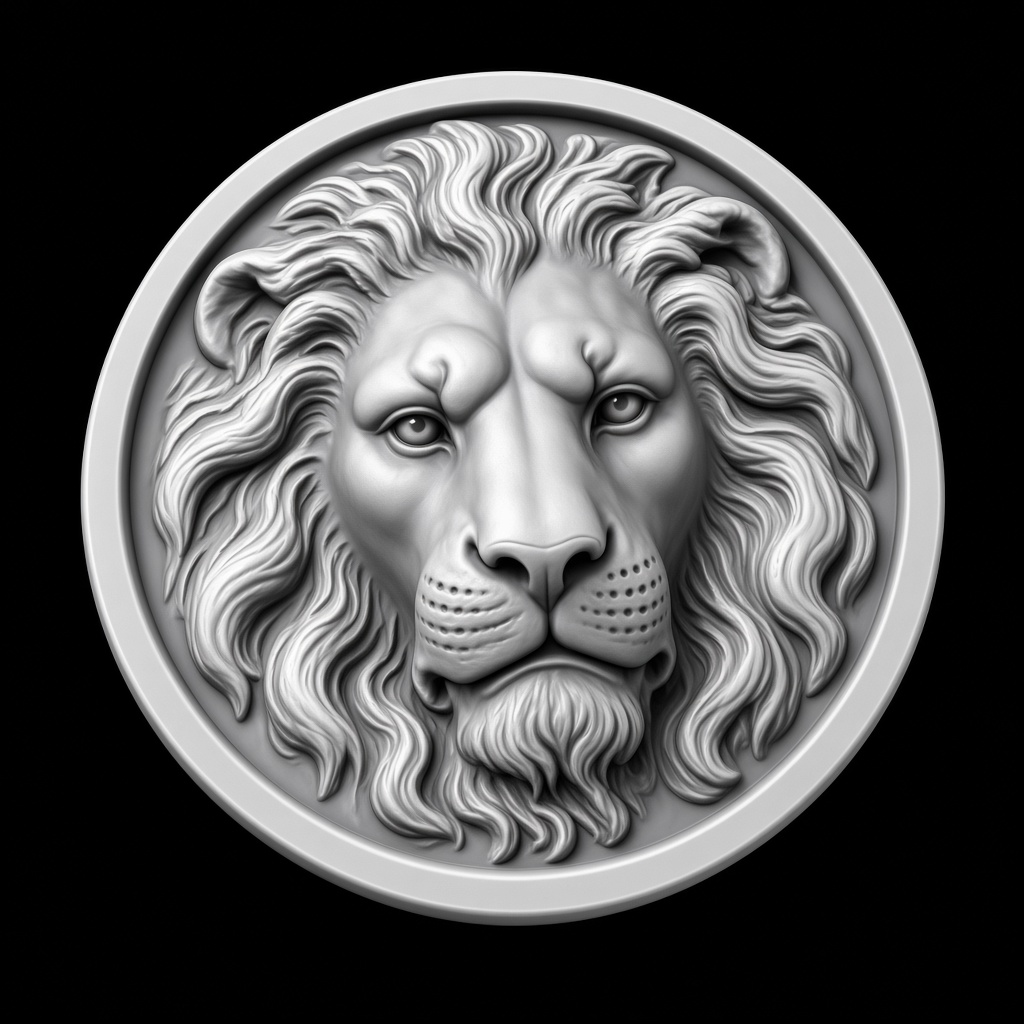
Lion medallion
Parameters
preset: CoinLocal adjustments
Export
Sliders rewrite this result locally. PNG and STL match the preview.
This sample
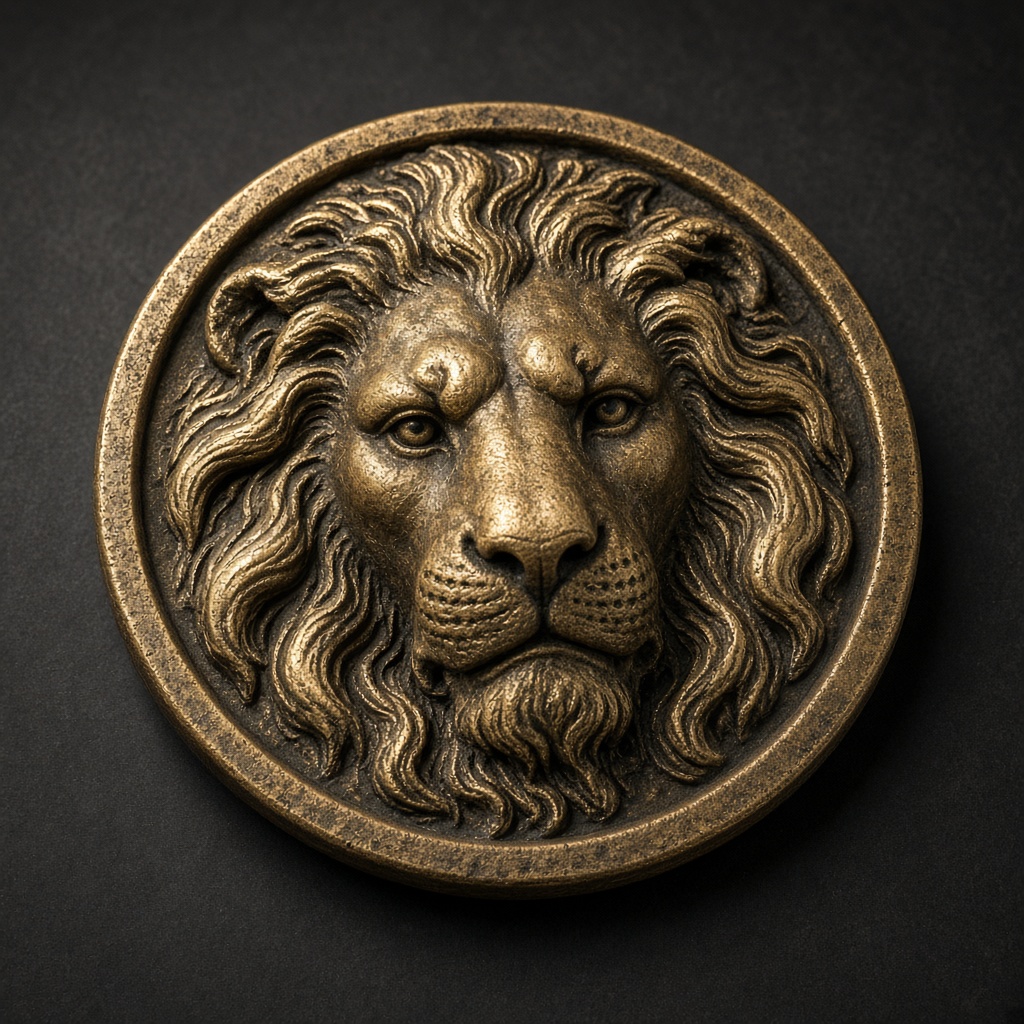
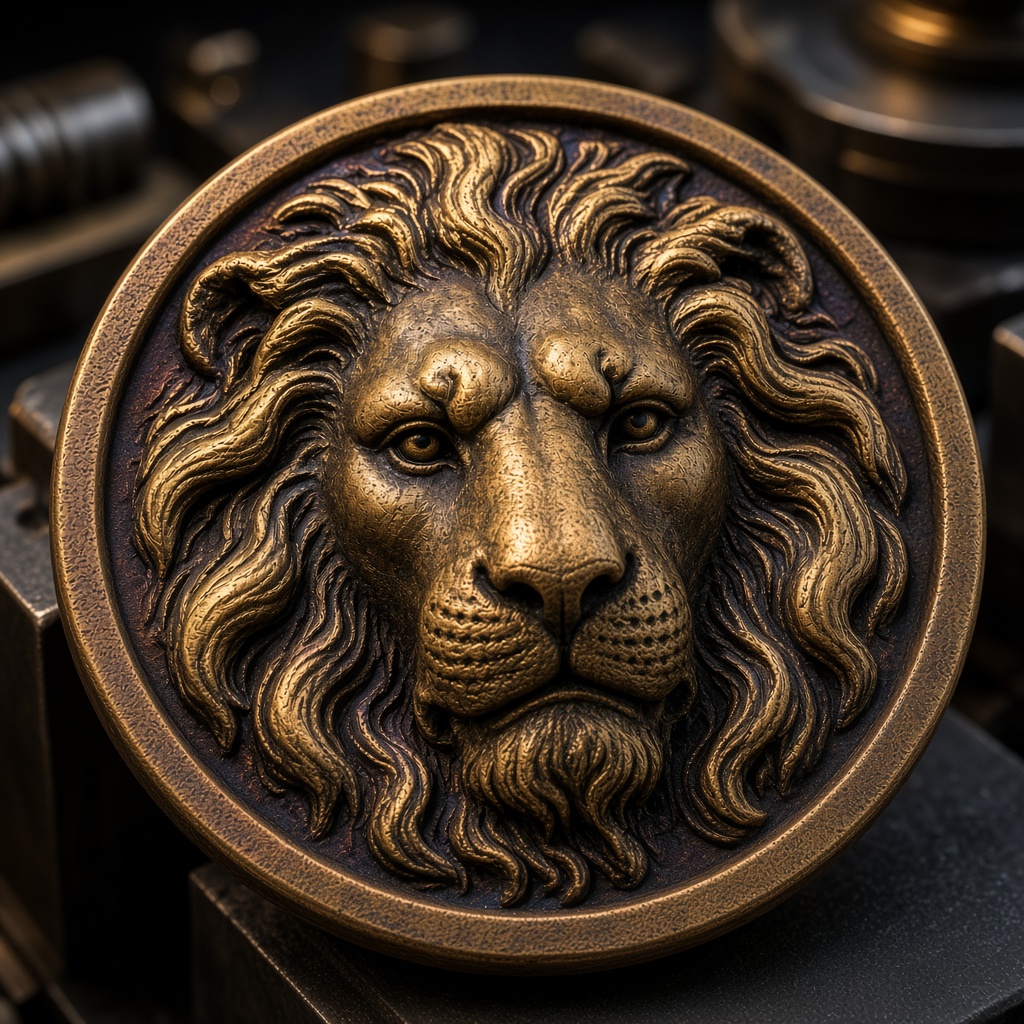
Four steps
- 1
Start from the lion
Or replace it with your artwork. Generate once.
- 2
Keep the relief shallow
0.8 mm is the coin default. The 16-bit PNG uses a 10 mm full scale, so this file is darker than a 3 mm export.
- 3
Check the mesh
The STL uses the same height. Tallest point is 0.8 mm plus the 1.2 mm base.
- 4
Engrave or print
Use the PNG in LightBurn 3D Sliced, or the STL if you are machining a master.
Questions
A new photo is one upload.
Generate sends it once. Depth, invert, gamma, and crop then stay in the browser. The sample on this page is already a real file.