Depth Anything 3 · 16-bit · STL
Free AI Depth Map Generator from Any Photo
A free online AI depth map generator. Upload a photo, press Generate, and a server model returns a 16-bit depth map. Depth, invert, and crop then stay in the browser. Download the PNG or a closed STL for LightBurn 3D Sliced, 3D printing, or CNC.
16-bit PNG · One upload · Local sliders · LightBurn table · Lion sample
Try it now
Balanced depth estimation — 16-bit PNG at 3 mm max depth. Works for almost every workflow.
Generate uploads the photo once. The sliders stay in the browser.
Preview

Lion medallion
Parameters
preset: DefaultLocal adjustments
Export
Sliders rewrite this result locally. PNG and STL match the preview.
Depth Anything 3
One model size
16-bit PNG
3 mm peaks at 19661
One upload
Then local sliders
10–200 mm
STL long side
What this does
A depth map for every maker surface.
Depth-Map.com turns one photograph into a 16-bit grayscale depth map and a closed STL. Generate uploads the photo once. A metric Depth Anything 3 model estimates depth on a server. Thickness, invert, gamma, and crop then stay in the browser.
A depth map is a grayscale image where brightness encodes 3D height — white for near, black for far. Makers consume them in four physical forms: fiber-laser engraving (LightBurn 3D Sliced), CNC bas-relief machining (Carveco, ArtCAM, VCarve), 3D printing (Bambu Studio, PrusaSlicer for lithophanes and reliefs), and 3D rendering (Blender Displacement Modifier, ZBrush alpha brush). We tune the workbench for all four — a single depth map export covers the whole workflow.
The 16-bit depth map is the manufacturing file. An 8-bit PNG stores 256 height levels. This PNG is 16-bit, on a 10 mm scale, so a 3 mm relief peaks at 19661 rather than 65535.
Who uses it
Built for six maker surfaces.
One depth map export covers every downstream process a maker needs. Pick your surface — the parameters and presets follow.
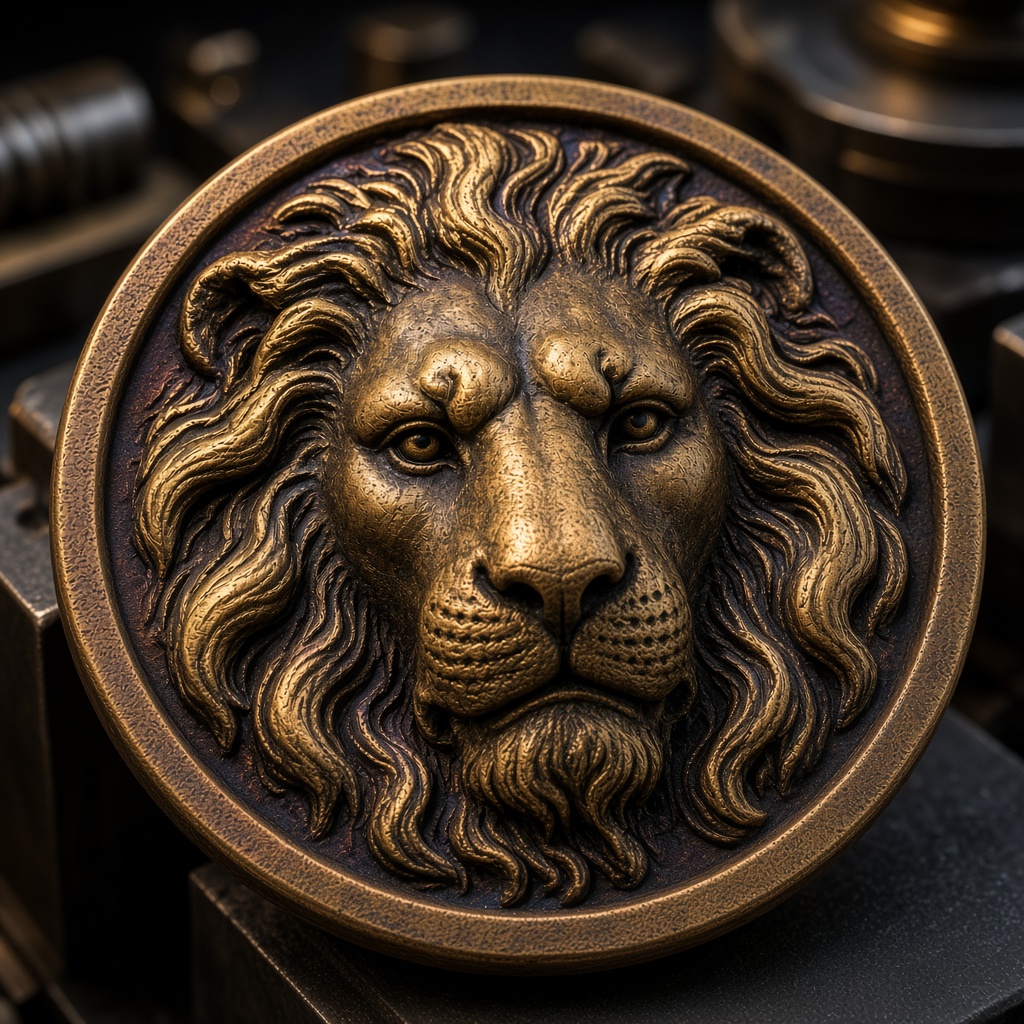
Fiber laser engraving
Starting power and frequency for brass, silver, stainless, aluminum, and copper. Copy a row into LightBurn. There is no project file.
Laser parameters →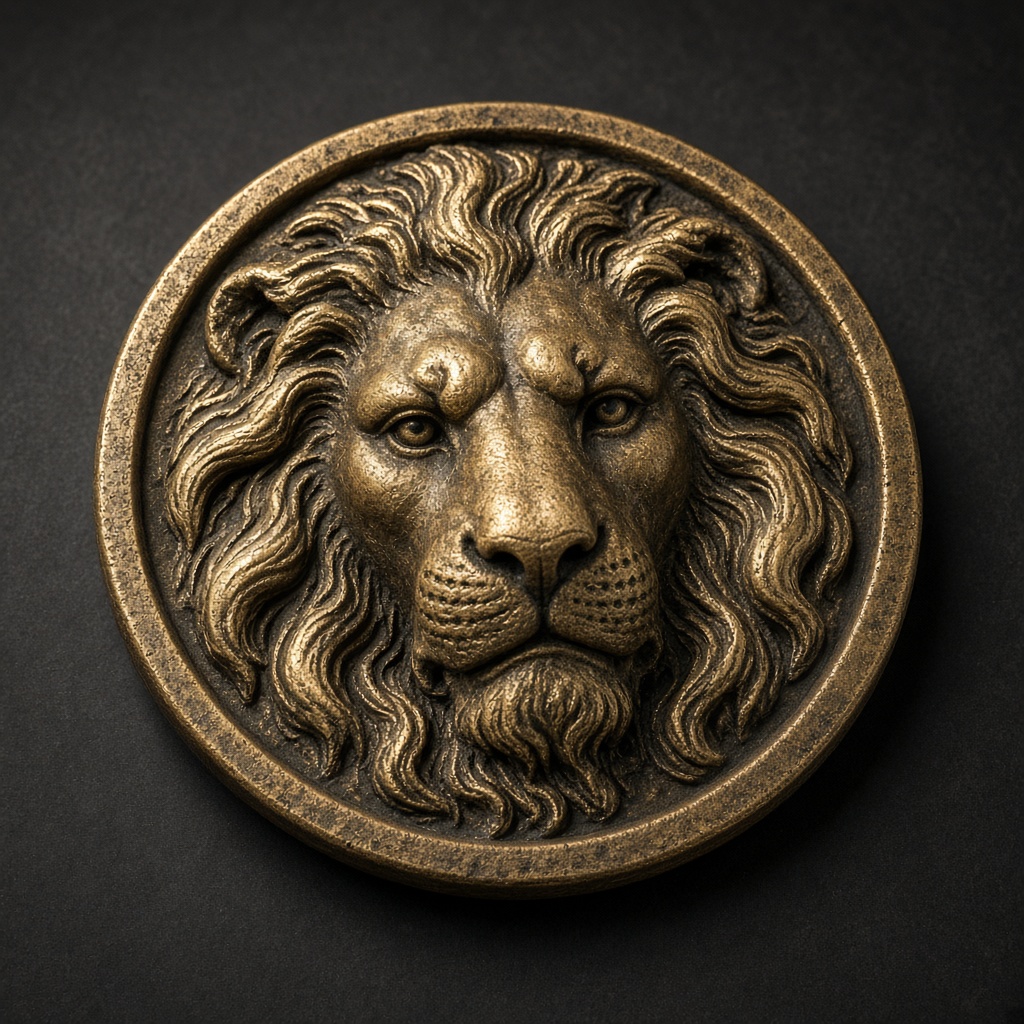
Challenge coin design
0.8 mm depth on a 1.2 mm base. The long side starts at 40 mm. Rim and lettering stay in the laser file.
Coin workflow →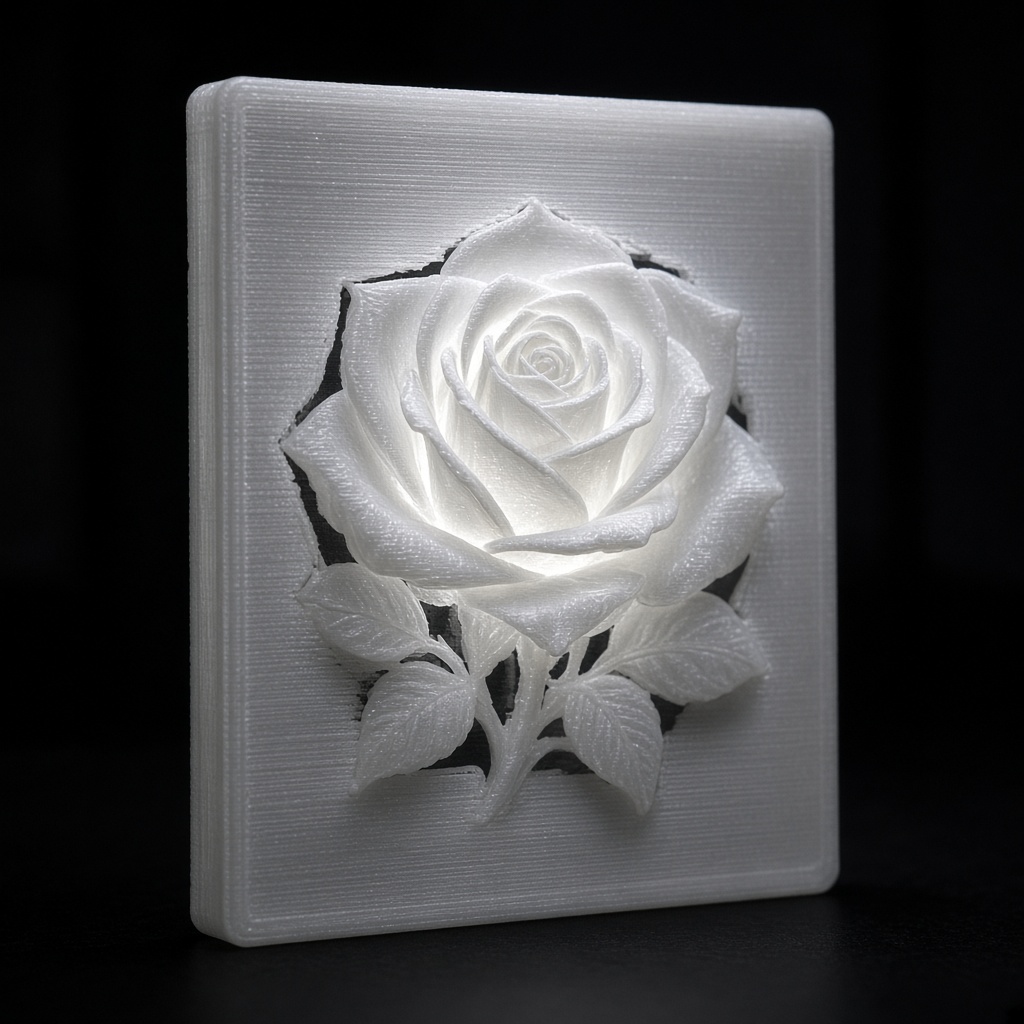
3D-printed lithophanes
Inverted depth, 2.8 mm of relief on a 0.6 mm floor. The mesh is a flat closed STL, not a curved shade.
Lithophane maker →
CNC bas-relief machining
A closed STL from the portrait sample: 5 mm relief on a 2 mm base. The long side starts at 40 mm.
Image to STL →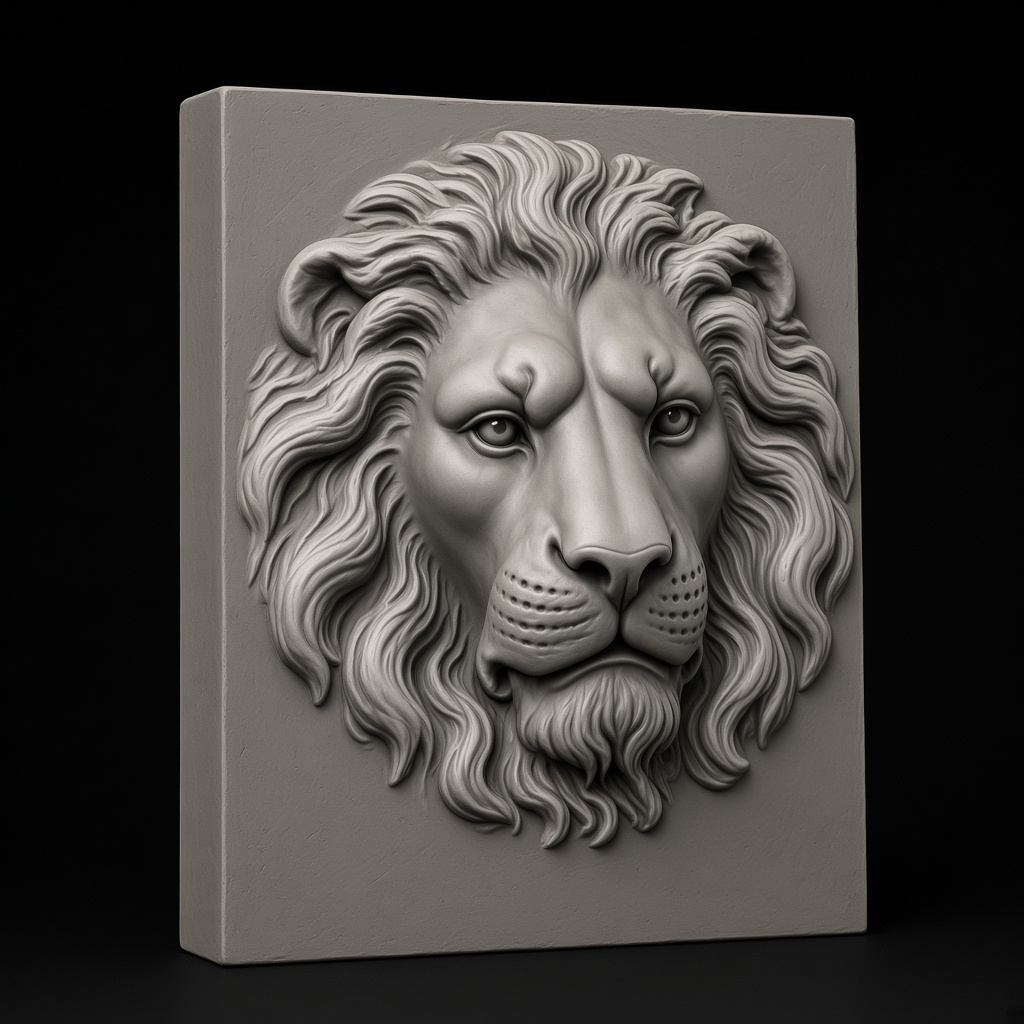
Blender + ZBrush
Import the 16-bit PNG on a Displacement modifier or as a ZBrush alpha. EXR is not an export.
Displacement workflow →
Jewelry prototyping
The same 16-bit PNG and STL. Studio is listed at $49 a month. This version does not add a separate commercial file.
Commercial use →How it works
Four steps from photo to fabrication.
- 01
Upload
PNG, JPEG, or WebP up to 8 MB. The lion sample is already loaded.
- 02
AI depth inference
Generate sends the photo once. There is one model size. The reply is a 16-bit field.
- 03
Tune
Set depth and base in millimetres. Invert, gamma, flatten, and crop do not call the model again.
- 04
Export
16-bit PNG for LightBurn or a CNC. Closed STL for a printer. The long side starts at 40 mm and can be changed without another Generate.
Compared to the category
Pro is $19 a month.
| Feature | SculptOK | Depth-R | Depth-Map.com |
|---|---|---|---|
| Entry price / month | $75 | $26.90 | $19 |
| Depth file | Their export | Grayscale PNG | 16-bit PNG + STL |
| Depth estimate | Server | Server | Server, once |
| After Generate | Their editor | Their editor | Sliders in the browser |
| LightBurn parameter tables | Not published | Not published | Starting table |
Simple pricing
One Generate costs 1 credit. Without an account, 3 photos a day. Pro is 300 credits a month after payment. Studio is 2,000. The files are the same.
Free
Try the tool, no signup
- 3 new photos a day, no account
- Signed in: 3 credits on an empty day
- Sliders do not spend a credit
- Long side starts at 40 mm
Pro
For makers and designers
- 300 credits when Pro is paid
- 16-bit PNG
- Closed STL
- 1 credit per Generate
- One model size
Studio
Listed at $49 a month
- 2,000 credits when Studio is paid
- No separate Large model
- No separate commercial export
- No batch in this version
- No public API
- Same Generate button
Frequently asked
Honest answers about what depth-map.com does, how it works, and when to use something else.
From the blog
How the 16-bit file is scaled, and how the STL long side is set.
How to read the 16-bit PNG
The raw model file reaches 65535. A 3 mm manufacturing file peaks at 19661, because full scale on this site is a 10 mm span.
 Depth-Map.com
Size a relief STL
The long side starts at 40 mm. The slider runs from 10 to 200 mm and does not call the model again. The mesh is closed.
Depth-Map.comThe lion sample is already loaded.
Replace the photo and press Generate. That upload happens once. The sliders after it stay in the browser.