Blender and ZBrush
A 16-bit PNG for a displaced plane.
The lion sample is the file. Depth is estimated on the server. Blender reads the PNG on a Displacement modifier. EXR is not an export.
16-bit PNG · Displacement · ZBrush alpha
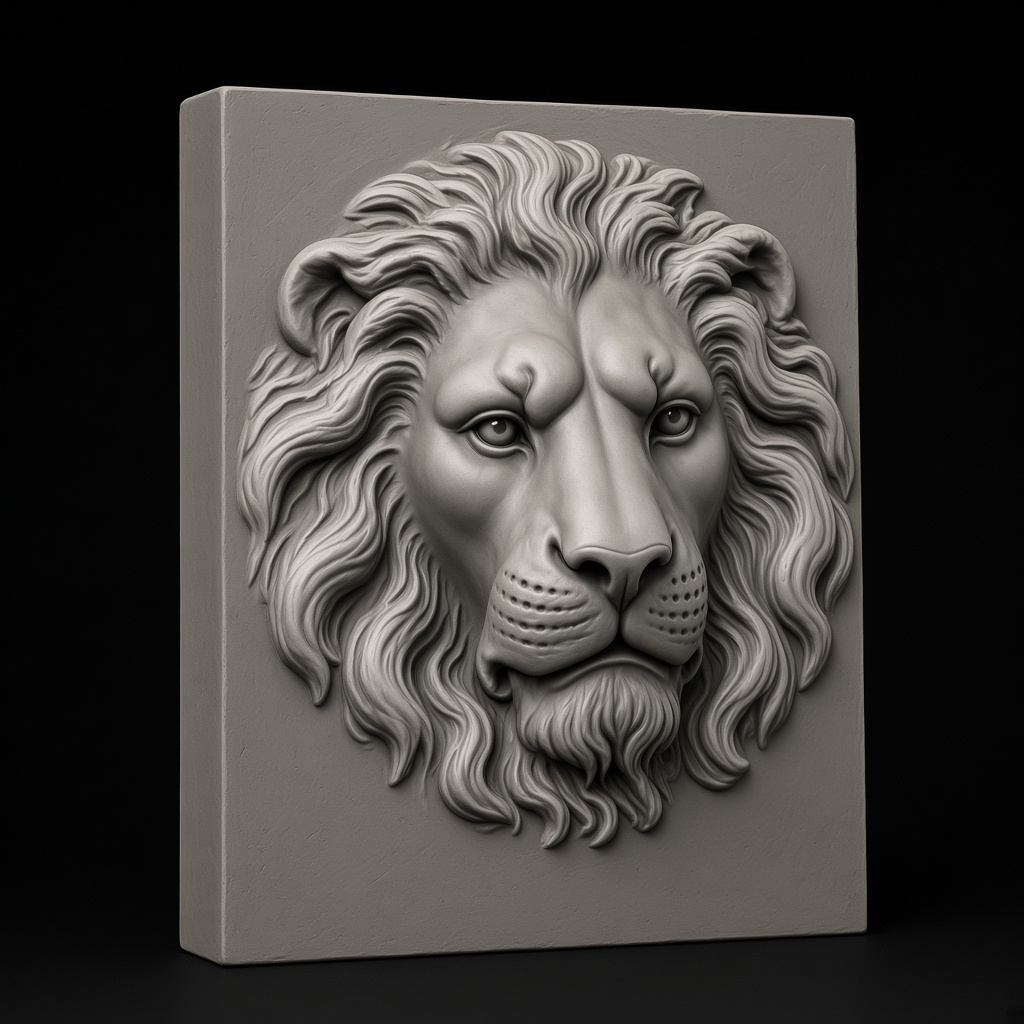
16-bit depth map
One server request. The PNG is what Blender and ZBrush import.
Balanced depth estimation — 16-bit PNG at 3 mm max depth. Works for almost every workflow.
Preview

Lion medallion
Parameters
preset: DefaultLocal adjustments
Export
Sliders rewrite this result locally. PNG and STL match the preview.
Blender Displacement Modifier — the five-step recipe
- 1. Export a 16-bit PNG from the workbench. That is the texture. EXR is not available.
- 2. Add Mesh → Plane. Enter Edit Mode and subdivide 6 times, or leave the plane low-poly and add a Subdivision Surface modifier set to viewport 3 / render 6.
- 3. Modifier → Displacement. New Texture → Image or Movie → open your exported depth map. Set Strength 0.1–0.5 depending on how tall the relief should read.
- 4. (Optional) Stack Subsurf above Displace. A real-time Subdivision Surface above Displacement multiplies the effective resolution so fine details survive in Cycles.
- 5. Render or Apply. Cycles and Eevee both render it cleanly. Apply the modifier first if you need the baked geometry for USD / FBX / 3D-print export.
ZBrush alpha brush — the four-step recipe
- 1. Export a 16-bit PNG from the workbench. ZBrush quantizes to 8-bit internally for alpha brushes; exporting 16-bit still gives the sharpest import heuristics.
- 2. Tool → Alpha → Import. Load the PNG directly into your Alpha palette; it appears as the current alpha.
- 3. DragRect or Standard brush + MRGBZGrabber. For planar relief work, DragRect places the full alpha in one stroke. Standard + Zadd stamps it with pressure variation.
- 4. Stamp it. DragRect places the alpha in one stroke. This export is a height image, not a vector displacement map.
What the PNG is for
Blender uses it as an image texture on a Displacement modifier. ZBrush imports the same PNG as an alpha. The lion file on this page is 16-bit grayscale, remapped at 3 mm on a 10 mm scale.
Blender + ZBrush depth map — FAQ
Related
16-bit depth map generator
The export preset Blender Displacement Modifier expects.
Image to STL converter
Turn the displaced mesh into a direct 3D-print-ready STL.
SculptOK alternative
Deeper price-and-feature comparison against SculptOK.
For LightBurn 3D Sliced
The same depth map in a fiber-laser pipeline.
A new photo is one upload.
Generate sends it once. The PNG after that is remapped in the browser.