AI depth map
Free AI Depth Map Generator
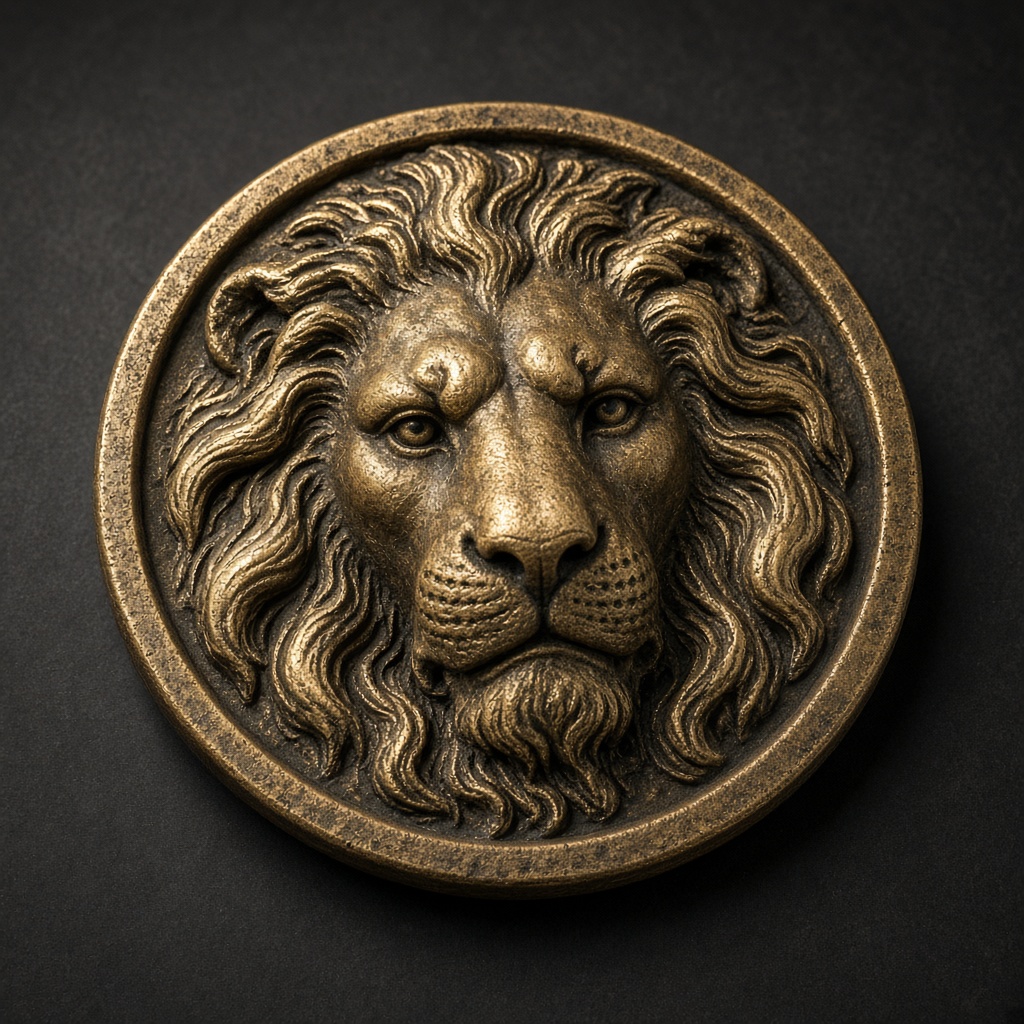
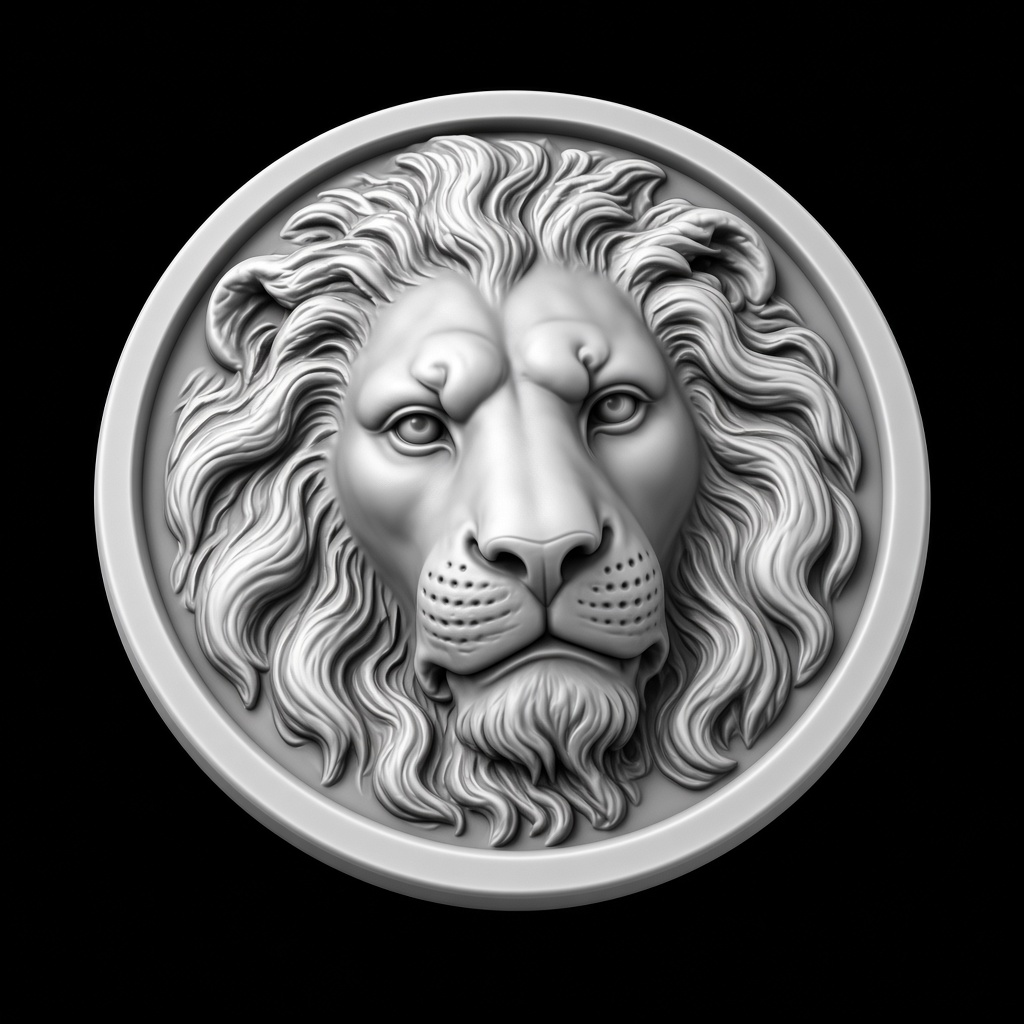
The lion is a finished example. A new photo is sent once for a 16-bit depth field. Thickness, invert, gamma, and crop rewrite that field in the browser.
One request · 16-bit field · Local sliders · PNG and STL
Free AI Depth Map Generator
The lion is a finished example. A new photo is sent once for a 16-bit depth field. Thickness, invert, gamma, and crop rewrite that field in the browser.
Balanced depth estimation — 16-bit PNG at 3 mm max depth. Works for almost every workflow.
Preview

Lion medallion
Parameters
preset: DefaultLocal adjustments
Export
Sliders rewrite this result locally. PNG and STL match the preview.
This sample
Four steps
- 1
Drop a photo
PNG, JPEG, or WebP, up to 8 MB.
- 2
Generate
The only model call. The reply is a 16-bit PNG plus the near and far distances in metres.
- 3
Adjust
Depth, base, invert, gamma, background flatten, and crop do not send the photo again.
- 4
Export
PNG for a laser or CNC. STL for a printer. The long side starts at 40 mm.
Questions
A new photo is one upload.
Generate sends it once. Depth, invert, gamma, and crop then stay in the browser. The sample on this page is already a real file.